Upsampler: The All-In-One Platform for AI Image & Video
Upsampler brings together powerful AI workflows for image generation, upscaling, restoration, editing, and video creation. Start from a prompt or upload a file, then move from rough concept to final asset in one browser workspace.
One Platform, Multiple Creative Workflows
Use the same workspace to create stills, improve source assets, animate visuals, and clean up final exports.
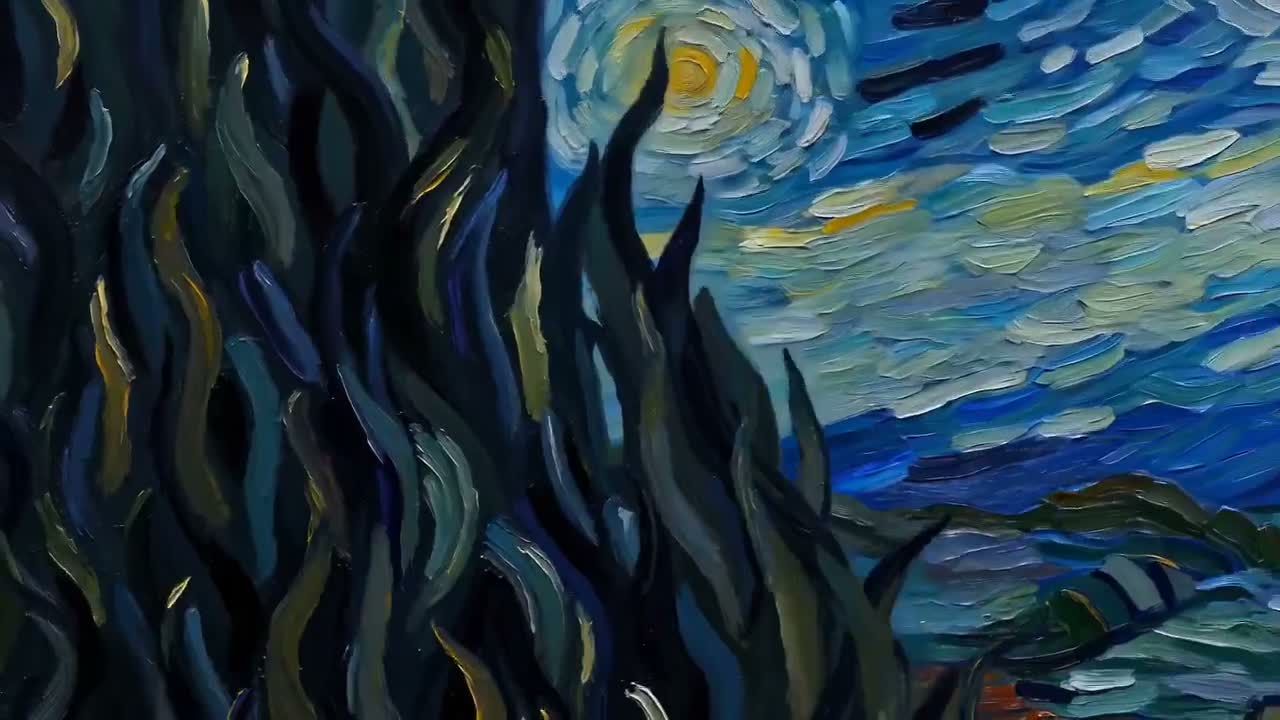
Free AI Image Upscaler (4K)
Enhance soft, compressed, or low-resolution images before they go into campaigns, listings, or video workflows.
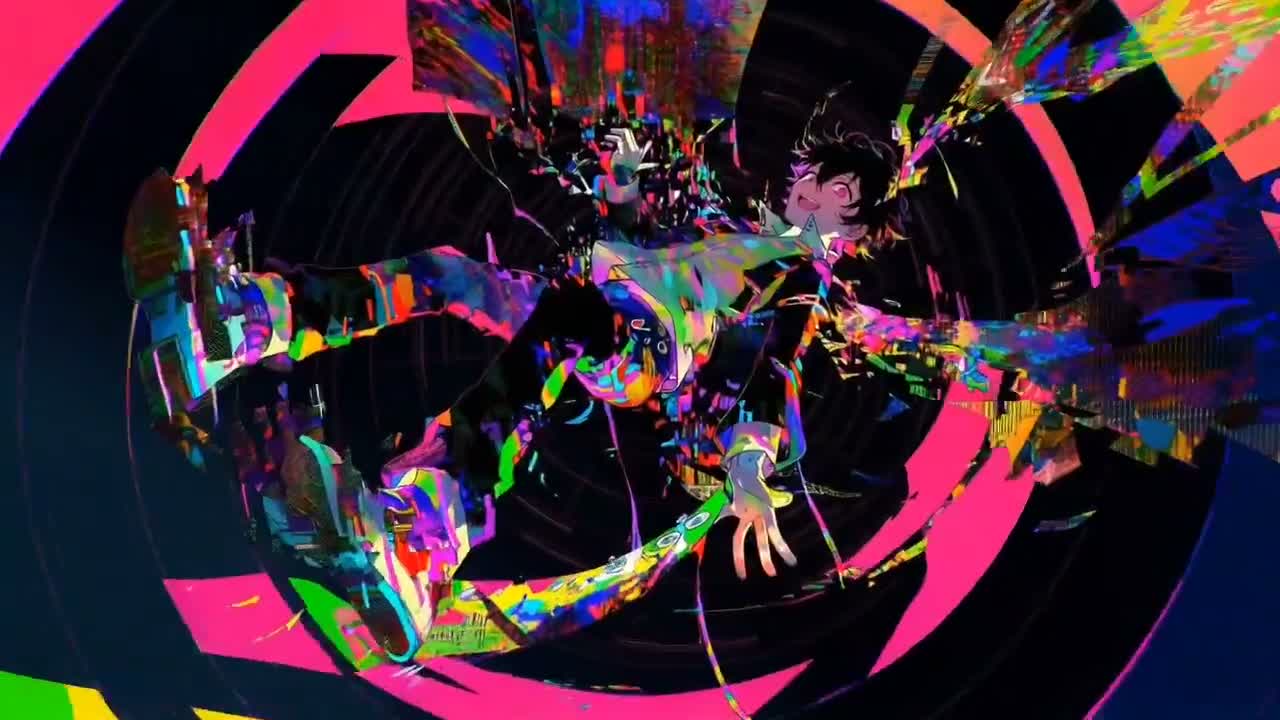
AI Video Generator
Turn text prompts or reference images into short cinematic clips for ads, teasers, demos, and social content.
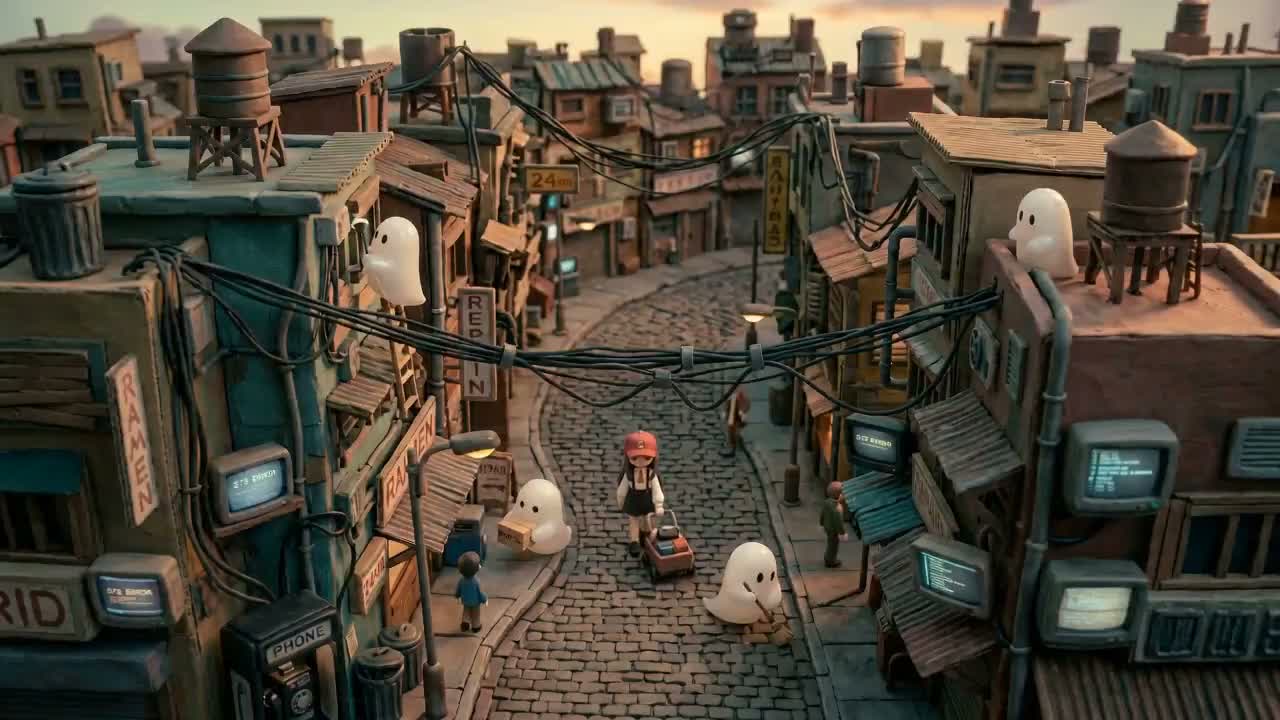
Image-to-Video Animation
Start from a still product shot, portrait, or illustration, then animate it while preserving the original composition.
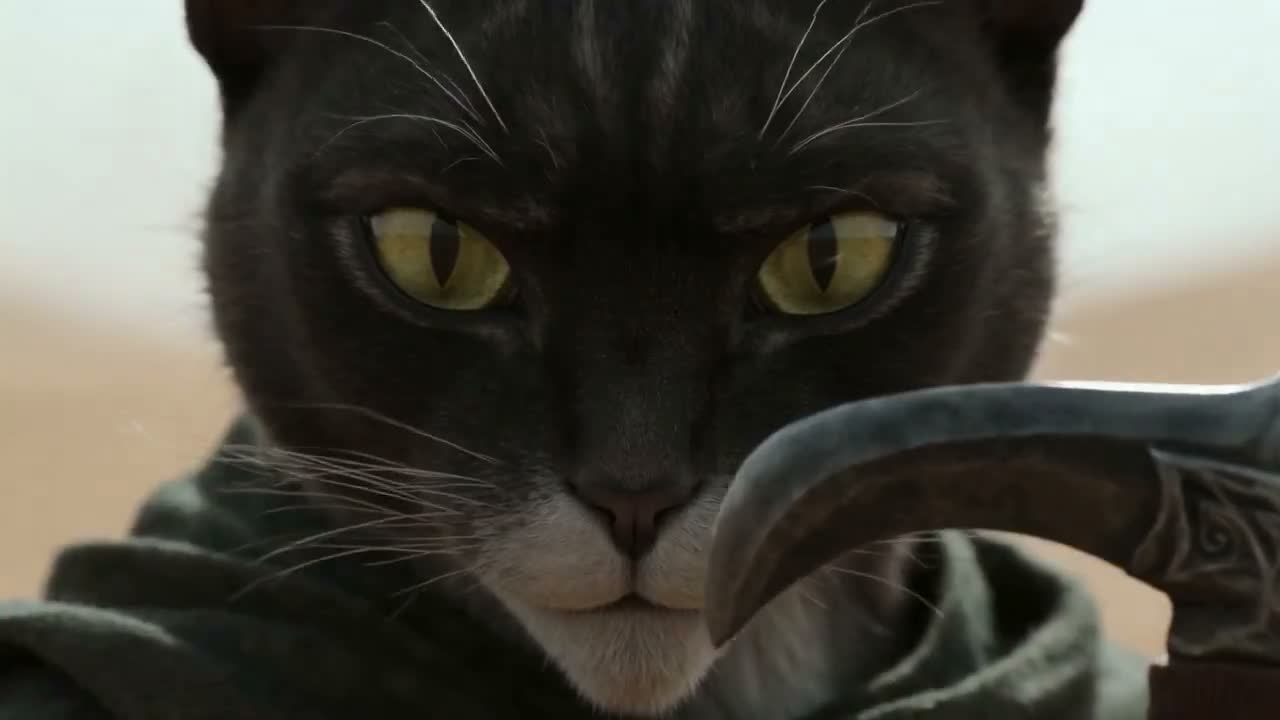
Background Removal & Cleanup
Remove distractions, isolate the subject, and prepare cleaner assets for ecommerce, thumbnails, and ads.
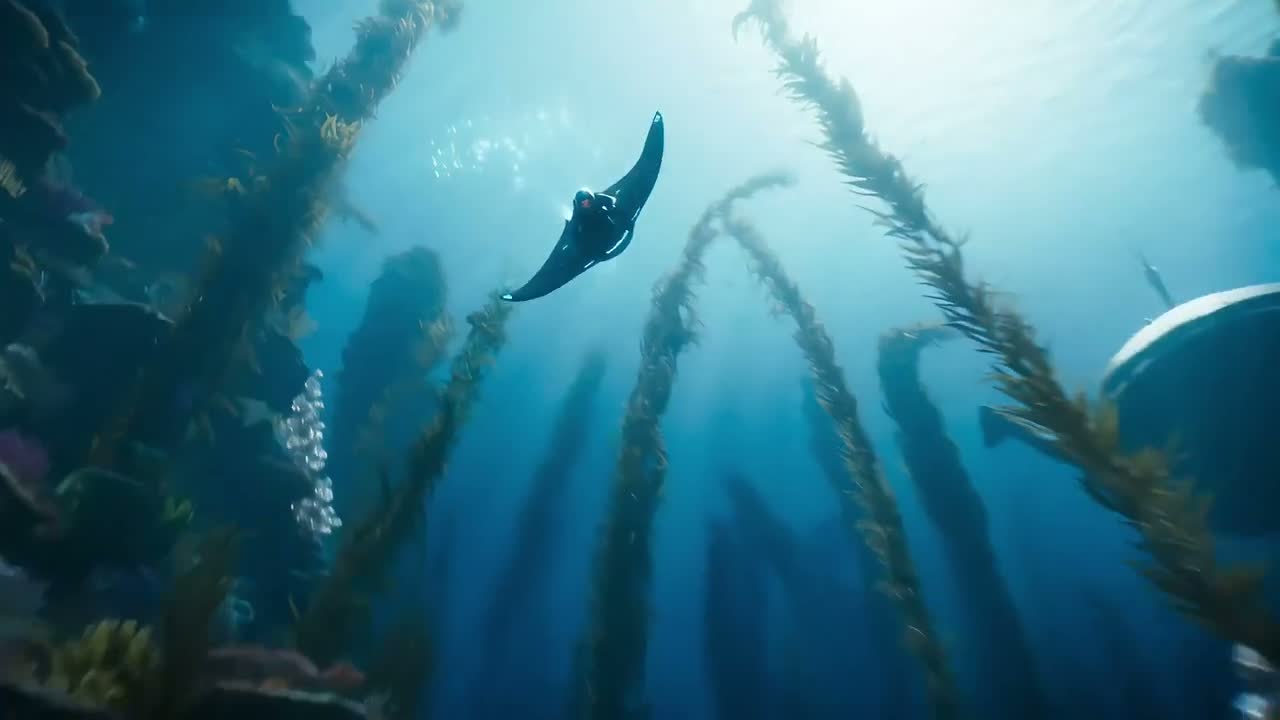
Video Trim & Compression
Finish social-ready exports with fast trimming and compression tools without leaving the browser.
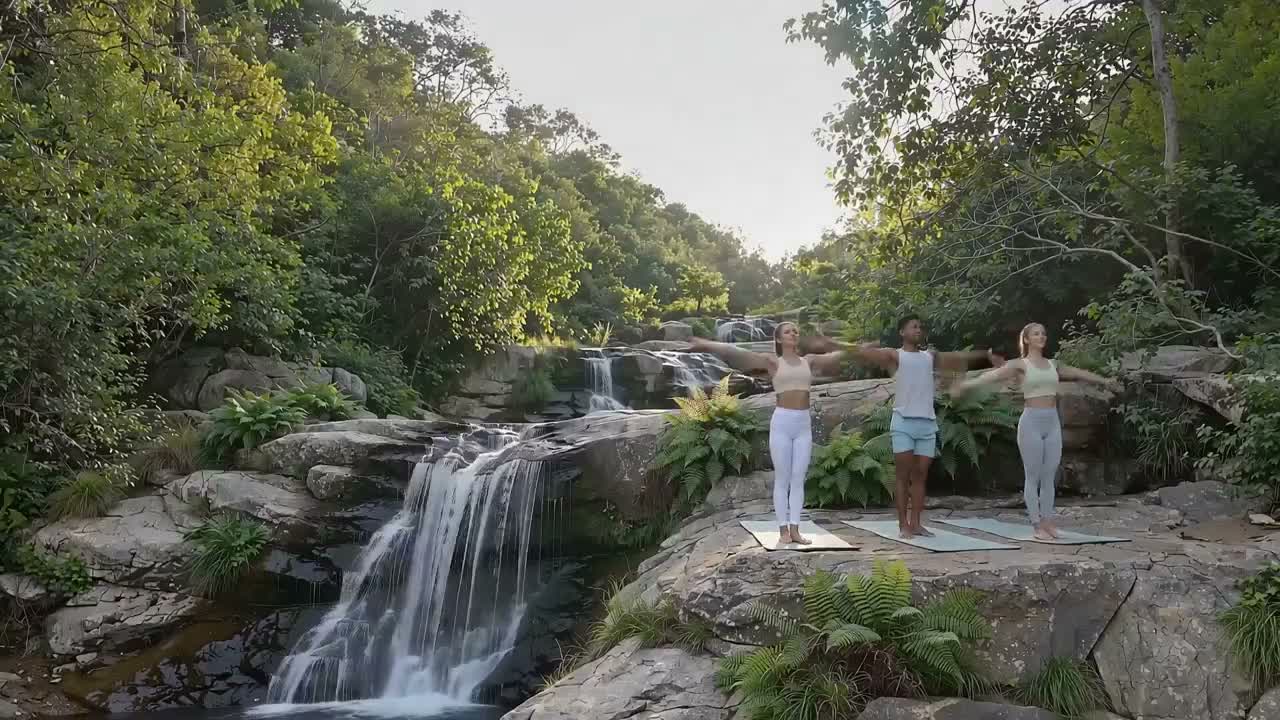
Creative Asset Production
Move from first prompt to final deliverable in a single stack built for creators, marketers, and product teams.
Why Teams Choose Upsampler
Upsampler helps teams move faster by combining generation, enhancement, editing, and export into one practical workflow.
What You Can Create with Upsampler
Use Upsampler for image-first campaigns, product visuals, AI-assisted cleanup, and motion assets that start from a still frame.
Generate on-brand image concepts
Create ads, thumbnails, portraits, covers, and product scenes from text prompts or reference images.
Upscale low-resolution source assets
Prepare older, cropped, or compressed visuals for modern channels before they move into production.
Restore and clean important details
Recover clarity, improve consistency, and fix distracting artifacts when the source image is almost right but not usable yet.
Edit images with prompt-driven control
Replace backgrounds, shift styling, or refine composition without rebuilding the visual from scratch.
Turn strong stills into motion assets
Animate product shots, character art, portraits, and keyframes into short videos for launches and storytelling.
Finish exports with browser tools
Trim clips, compress file size, and prep deliverables for publishing, handoff, or internal review.
How Upsampler Stacks the Workflow
The fastest route is simple: create or import an image, enhance what matters, animate the strongest frame, then export in the format your channel needs.
Start from text, an upload, or a reference set
Kick off with a prompt when you need exploration, or upload images when the subject, layout, and brand details must stay consistent.
Upscale, restore, or clean the still asset
Use image-first tools to sharpen detail, reduce artifacts, and prepare a stronger source before motion generation begins.
Animate the selected frame into video
Turn the best still into motion with text-to-video or image-to-video workflows that keep the overall composition readable.
Trim, compress, and ship the final file
Prepare polished exports for social, product pages, campaign review, or team handoff without needing a separate finishing tool.
How to Use Upsampler in Three Steps
Pick the right workflow, add prompts or references, then generate and export from the browser.
Choose an image or video workflow
Start with image generation, upscaling, restoration, editing, or move directly into text-to-video and image-to-video.
Add a prompt and reference files
Describe the result you want, then upload stills or other references when you need tighter creative direction.
Generate, refine, and export
Create the asset, review the result, then trim, compress, or download the final version for the next step in your workflow.
Upsampler FAQ
Quick answers about capabilities, workflows, and how the platform fits real creative production.
Need help? Reach us at [email protected].
Create Images and Videos Faster with Upsampler
Use one browser workspace for AI image generation, upscaling, restoration, editing, and video creation.